One chosen video
Open a selected video. The protective layer intercepts feed swipes while supported taps and comments remain usable.
Just One Video · Android
Open the Short or Reel you chose. Stop the next feed swipe. Keep space for what you meant to do.
Android · Beta testing. Public Google Play release is not available yet.
Your time. Your choice.
Two modes for supported screens in the official YouTube and Instagram Android apps.
Open a selected video. The protective layer intercepts feed swipes while supported taps and comments remain usable.
Leave recognised Shorts and Reels players. Ordinary YouTube videos remain available in supported routes.
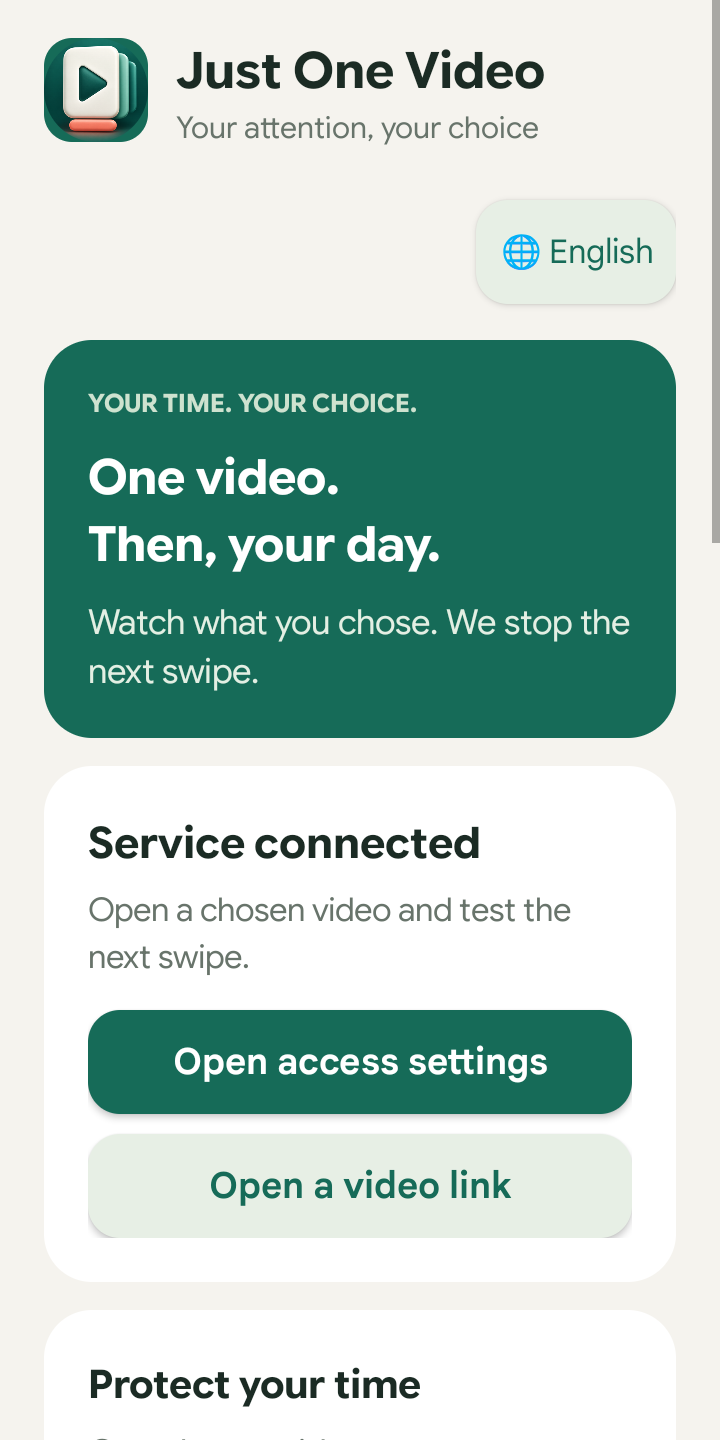
Real app screen · version 0.4.1-beta
The app inspects supported screen structures locally. It does not record private messages, video or audio. Its store source build has no Internet permission. Settings and a salted password hash are stored on the device.
Privacy policy →This is an adult self-control tool. The settings password protects choices inside the app; Android still allows disabling or uninstalling it. Interface changes can affect recognition. An unverified YouTube or Instagram version is temporarily restricted until you complete a local compatibility check.
Support →